Two things have to be true.
Your people have to want to open it. And you have to be able to run it without it becoming a second job. Here is how each side works.
What your team does
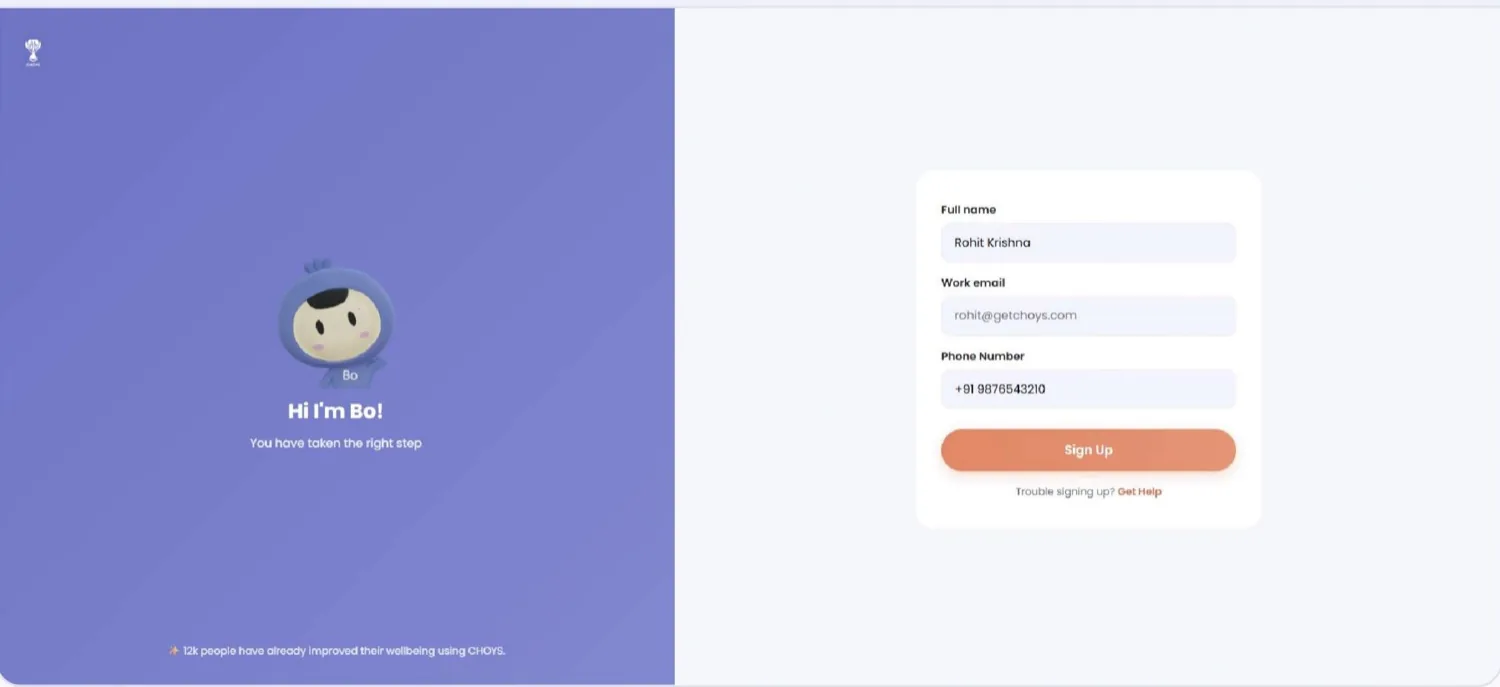
They join with their work email
Work email, a six-digit code, done. If you use an access code they enter that too — otherwise they are straight in.
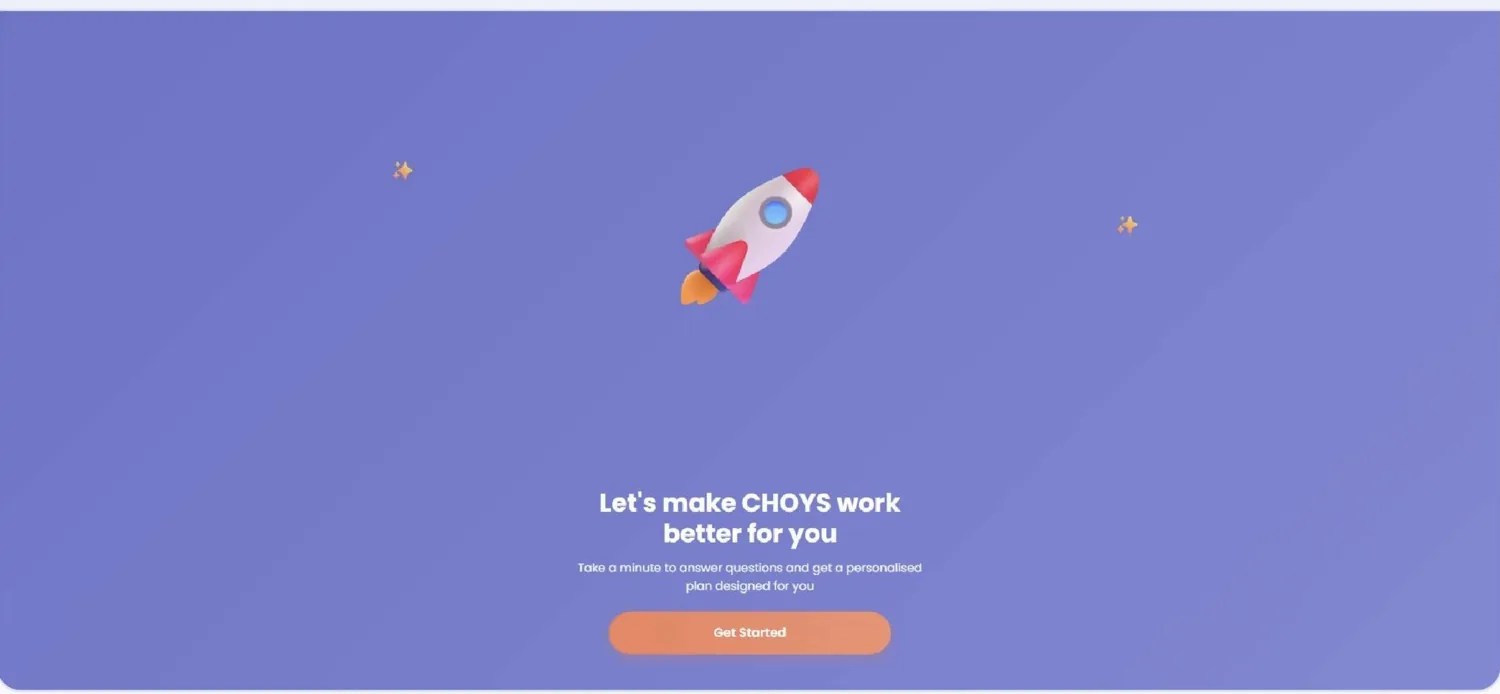
They answer three questions
What do you want to improve, what do you enjoy, and how much time do you have. Under a minute. CHOYS builds a program around the answers.
Then it is five minutes a day
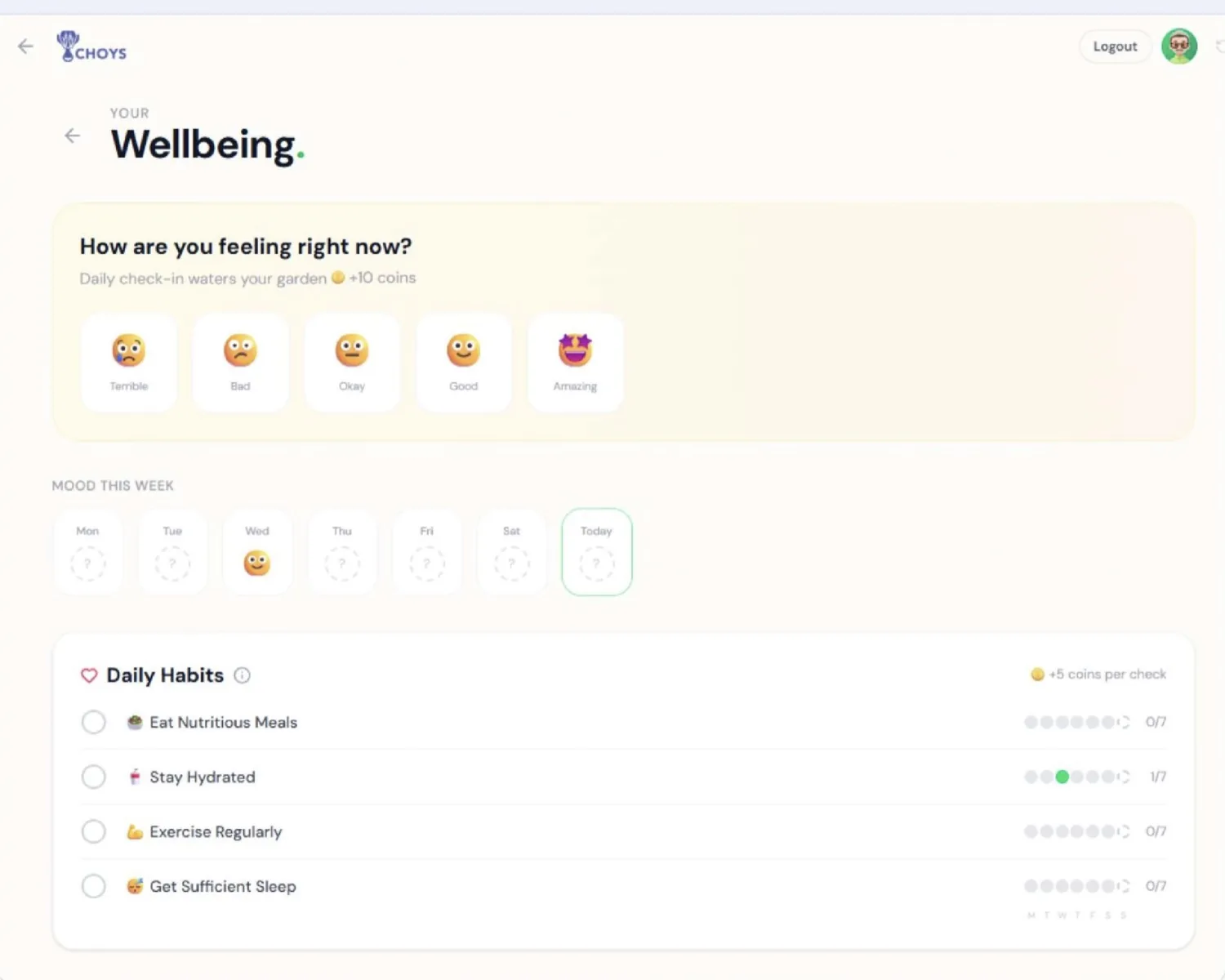
A mood check-in, a few habits, maybe a game or a thank-you to a colleague. Each one pays coins and XP, and the streak does the rest.
- Check in — five faces, +10 coins, and it waters their garden.
- Tick a habit — sleep, hydration, movement, meals. +5 coins each.
- Say thanks — recognition posts to the Moment Wall and pays the recipient 20 coins.
They do it alongside everyone else
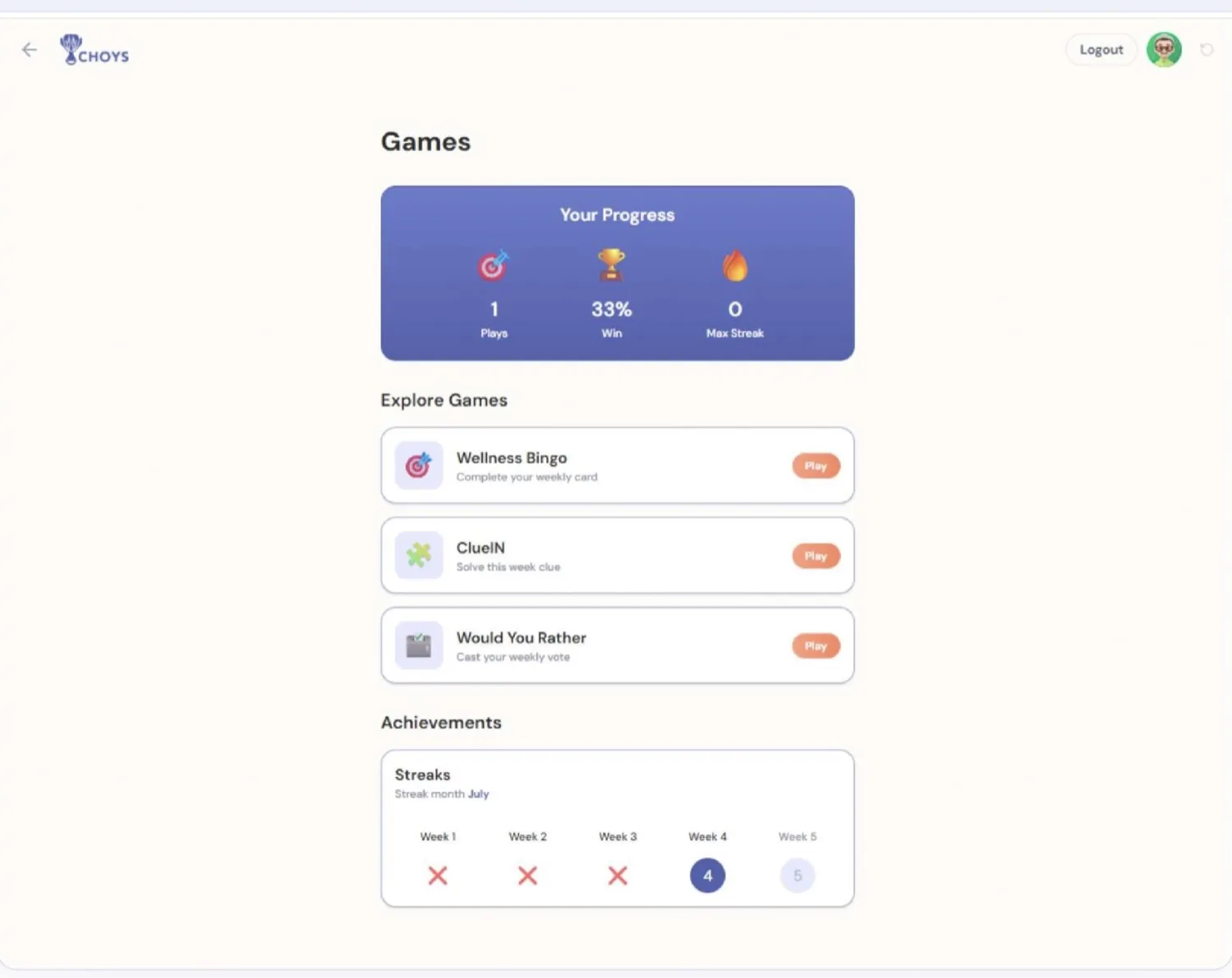
Team programs, company step challenges, weekly games and a leaderboard. The point is that it is shared — that is what turns a wellbeing tool into a culture.
They spend what they earned
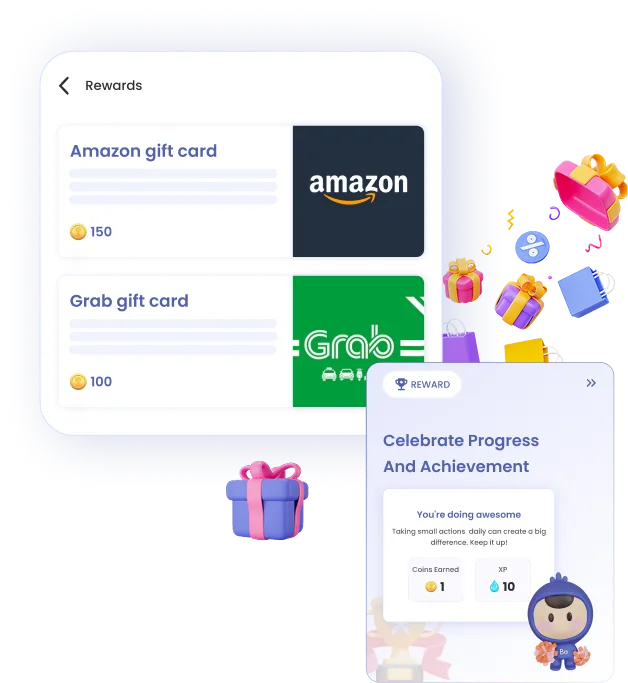
Coins become gift cards, or a donation to a cause with a live target the whole company watches climb. Twenty-three coins buy one breakfast.
What you do
-
Create your workspace
Set your company details, currency and timezone. You get a company code on the way out.
-
Invite your team
Share the code and people join themselves, or upload a CSV, or send individual invites. Google and Microsoft sign-in are supported. Turn on approval if you want to vet each request.
-
Launch a program
Describe what you want to change — say, reduce burnout this quarter. CHOYS drafts the program, the daily tasks, the rewards and the announcement messages. You edit and approve.
-
Let it run
Reminders and nudges go out over Slack, WhatsApp, email and push on their own. You are not chasing anyone.
-
Show what changed
Start with a PERMA baseline, re-measure later, and pull participation, mood, habit and recognition trends. Export to CSV, or send the executive summary straight up.
What it takes from you
Realistically, for a team of one or two:
Where it reaches people
iOS and Android, the web app, Slack, WhatsApp, email and a browser companion that finds break slots in their calendar — in English, Bahasa Indonesia, Japanese, Mandarin and Cantonese.
Support sits inside the product.
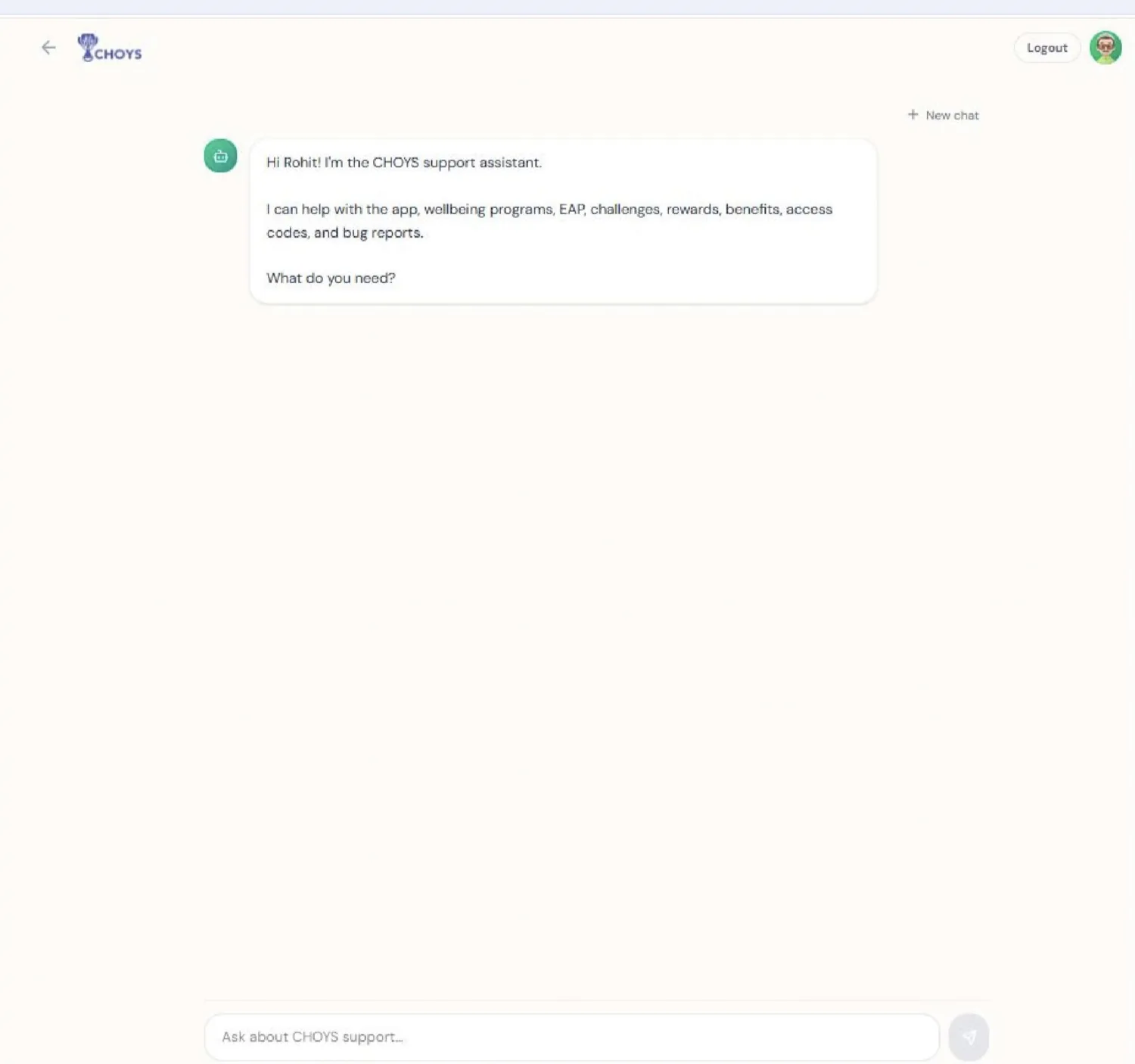
Employees can ask the built-in assistant about the app, programs, rewards, benefits or access codes without going through you first.
Set it up this afternoon.
No credit card. Invite your team as soon as your workspace is live.